Blog - August 12th, 2024
Become an Instagram Grid Maker with purpose: How to create an inspiring instagram feed in 2024
How do I make my Instagram grid look good?
Let's face it, first impressions matter. When someone lands on your Instagram profile, your grid is the first thing they see, and it can make or break their decision to follow you or engage with your content. A well-designed grid is essential for building trust and showcasing your brand effectively. This blog is all about how to make your Instagram grid look good and work for your brand.
 So, what is an instagram grid?
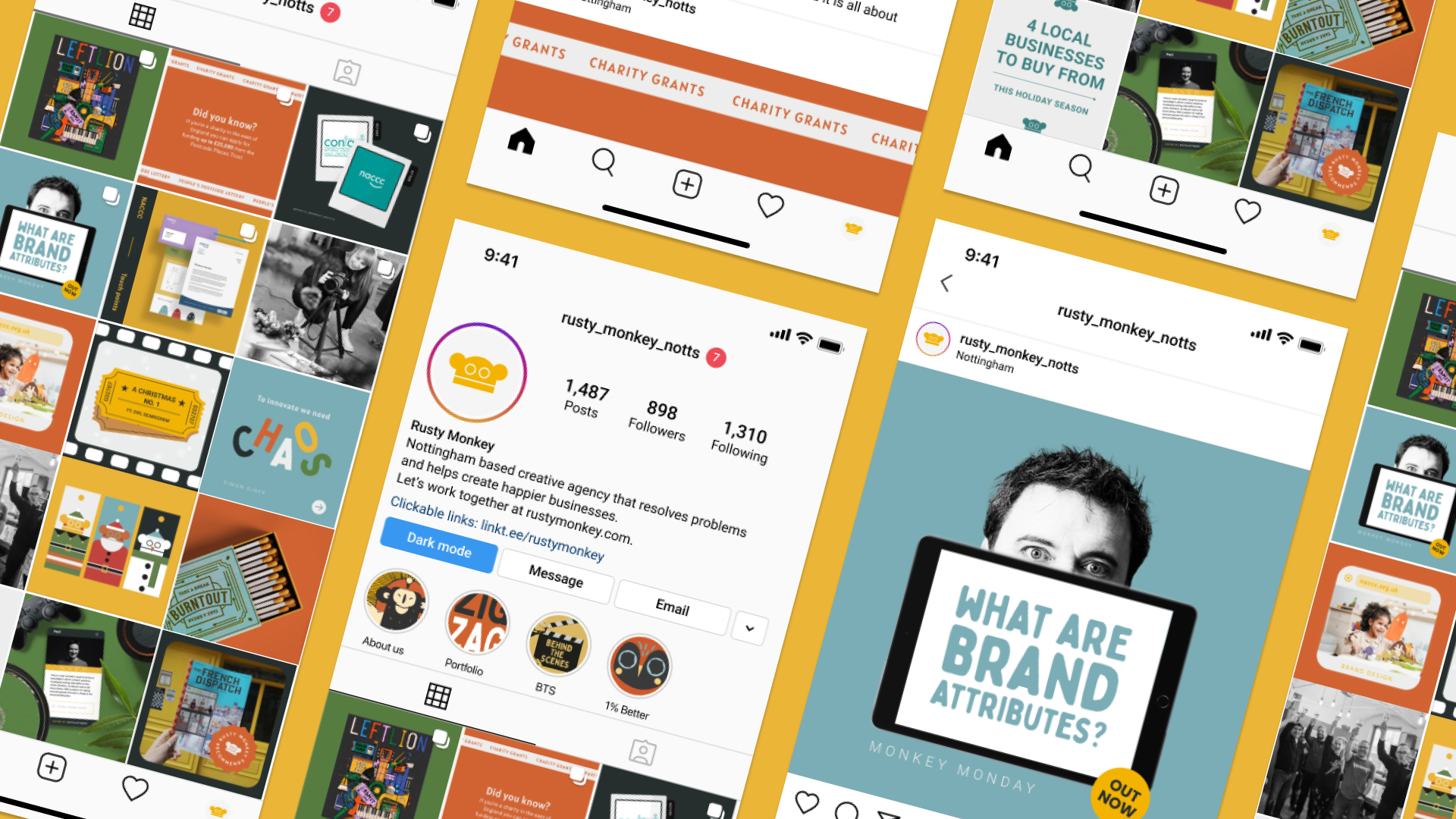
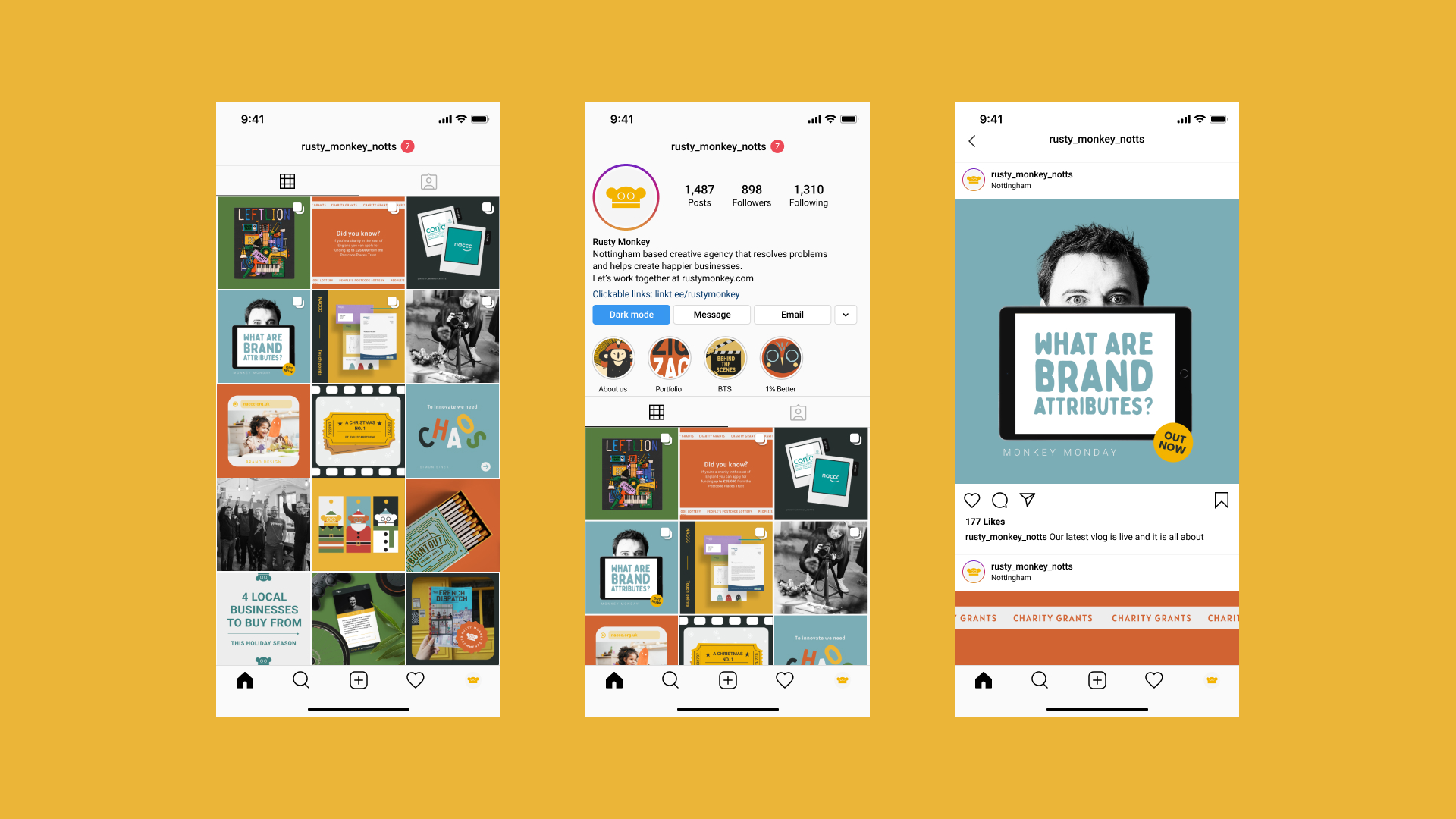
Instagram grid, Instagram grid maker, instagram grid layout - however you wish to refer to your feed, is the visual arrangement of your content on your instagram profile. Using the famous instagram squares tiles to show the world what you are all about!
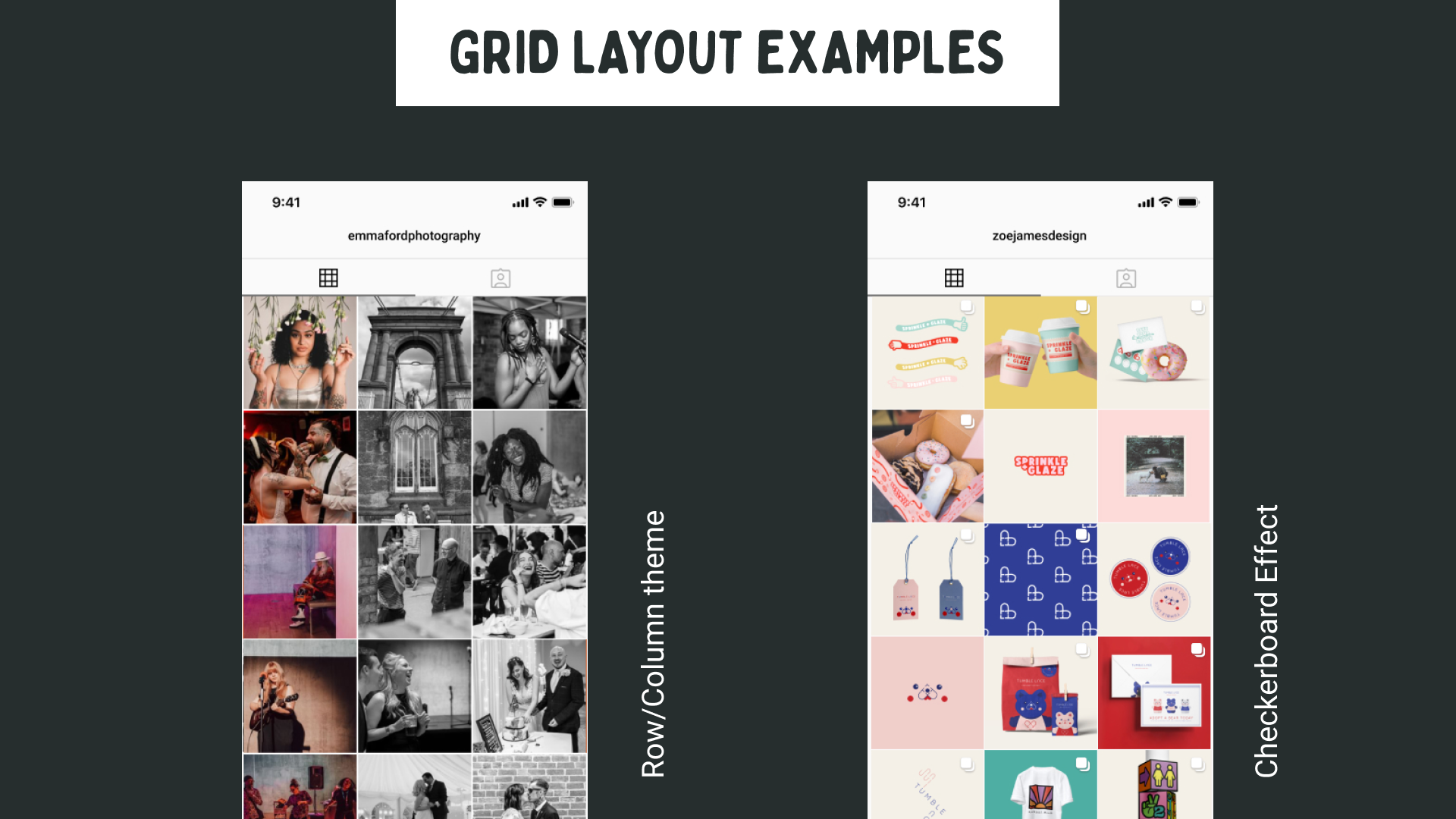 Instagram grid layout ideas
If you want to experiment with creative grid layouts to stand out in the crowded Instagram landscape, here are some popular ideas:
A Big Picture: Multiple posts create one large picture when viewed together.
Checkerboard Effect: Alternate between different styles of posts, such as text, colour and photos, for a patterned grid.
Row/Column Themes: Align posts by themes or colours within rows or columns for structured aesthetics.
Typography Focus: Incorporate text-heavy images for a balanced, magazine-like layout.
Rainbow Transition: Gradually change post colours to create a rainbow effect.
Puzzle Grid: Connect images across posts to form a larger picture.
Brand Colour Palette: Use a consistent colour scheme or filter across all posts for a cohesive look.
 Stand out from the crowd with your instagram grid
While the layouts listed above are visually appealing, they can also be restrictive and may feel like a novelty that doesn’t stand the test of time. Moreover, they require a lot of planning, and can also dictate your content strategy rather than allowing your content to organically evolve.
So to avoid letting your grid pattern rule your content, pick a more flexible approach that will let you stand out from the crowd, whilst still reflecting your brand attributes.
We believe the best way to do this is to cleverly utilise your brand colours to tie your posts together (it’s what we do, anyway!). This is because when more than one person is creating content for your brand, you need to have flexible instagram grid rules, otherwise things will start to look inconsistent.
 Instead, focus on your brand content pillars.
Rather than letting your rigid grid pattern rule the type of content you post, allow your brand content pillars to shape your instagram grid. Content pillars are the main themes or topics that represent your brand and resonate with your audience.
These key themes will generally fall under the following categories:
Promotional content
Educational content
Inspirational content
Entertaining content
By creating a grid around your content pillars rather than a design grid trend, you ensure that the content you put out is something that your audience will want to engage with.
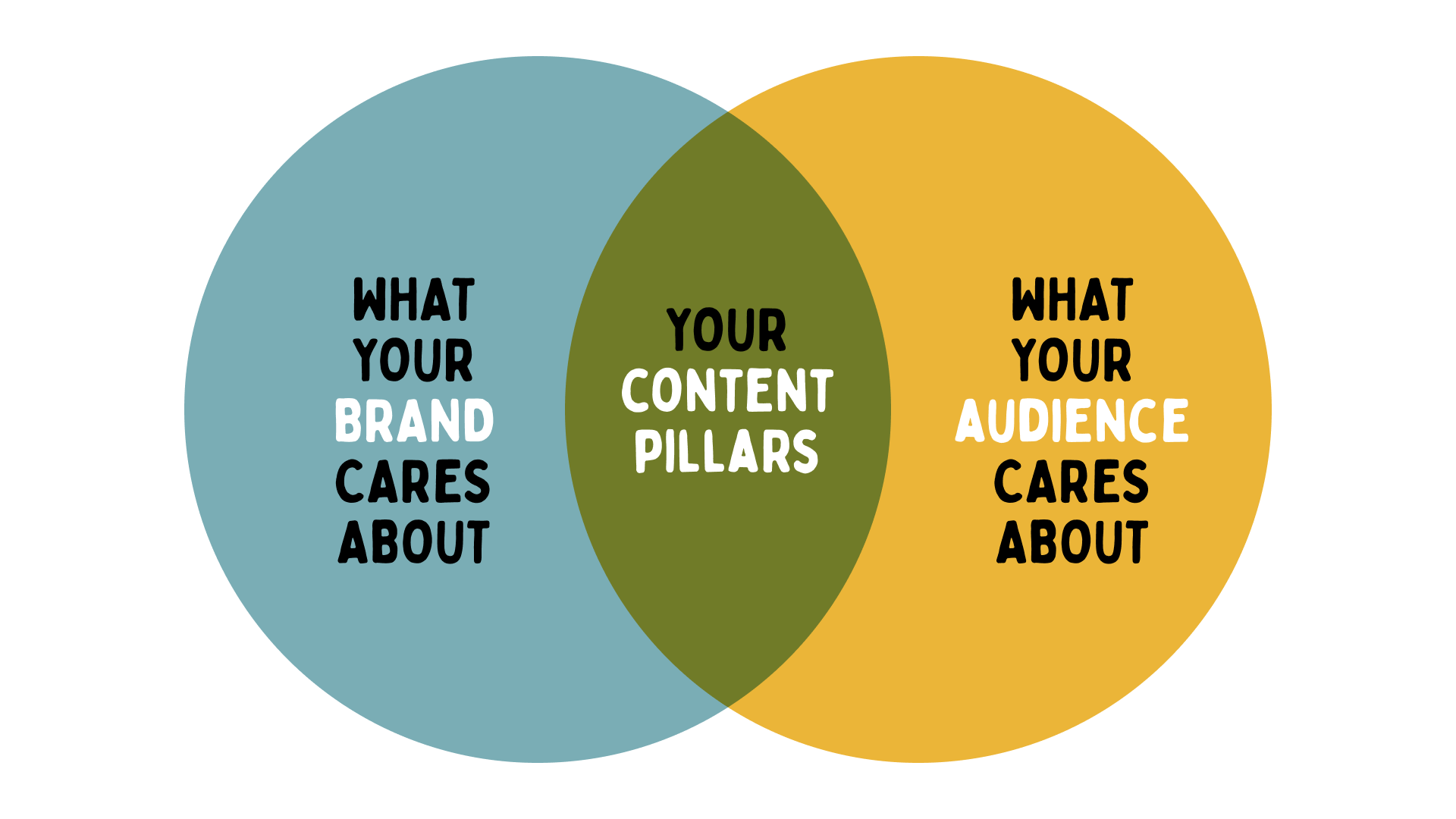 How to Find Content Pillars for Your Brand
To identify your own content pillars, brainstorm with your team and consider what valuable information or stories you want to share.
Identify Core Values: Determine what makes your brand unique and list its core values.
Understand Your Audience: Research your audience’s interests, problems, and preferences.
Select Key Themes: Start with 3-5 broad but focused themes that align with your brand and audience.
Evaluate and Adjust: Regularly review and tweak your pillars to ensure they remain relevant and effective.
By organising your content around your chosen 3-5 pillars, you can create a cohesive and flexible Instagram grid that reflects your brand’s unique personality. Here is an example of our own content pillars that have evolved over time:
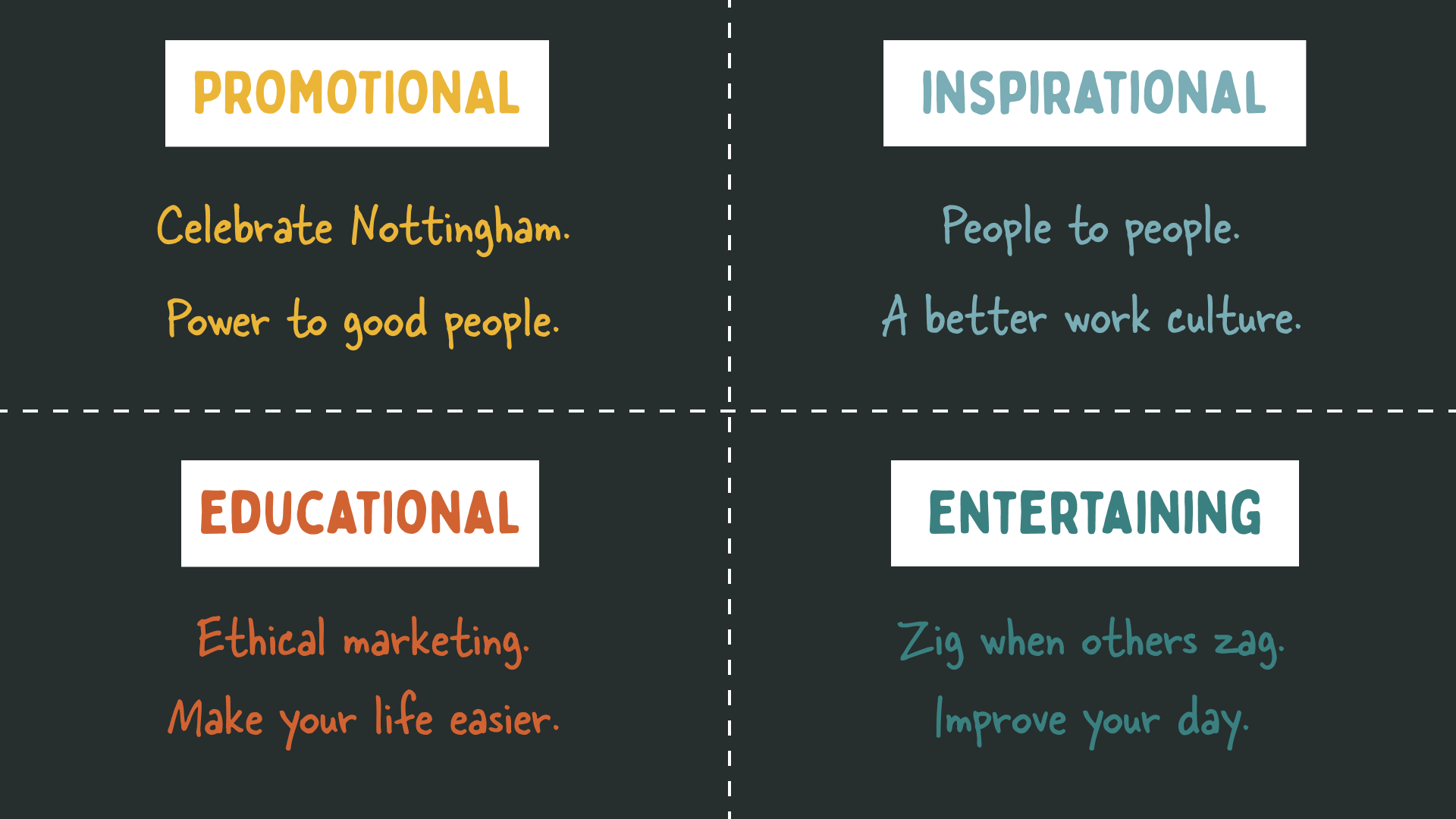 The idea is, when you are planning your content, it should fit in with one of these content pillars in order to offer value to your brand and audience.
Find your design space
Once you’ve defined your content pillars, choose a design software to create and collaborate on your grid layout. Here are some options:
Design Tool | Pros | Cons |
Free option is really good, Great for team collaboration, real-time editing | Can be complex for beginners | |
User-friendly, plenty of templates | Limited advanced features, we wouldn’t recommend the free version | |
Advanced design capabilities, integration with other Adobe tools | Steeper learning curve, we wouldn’t recommend the free version |
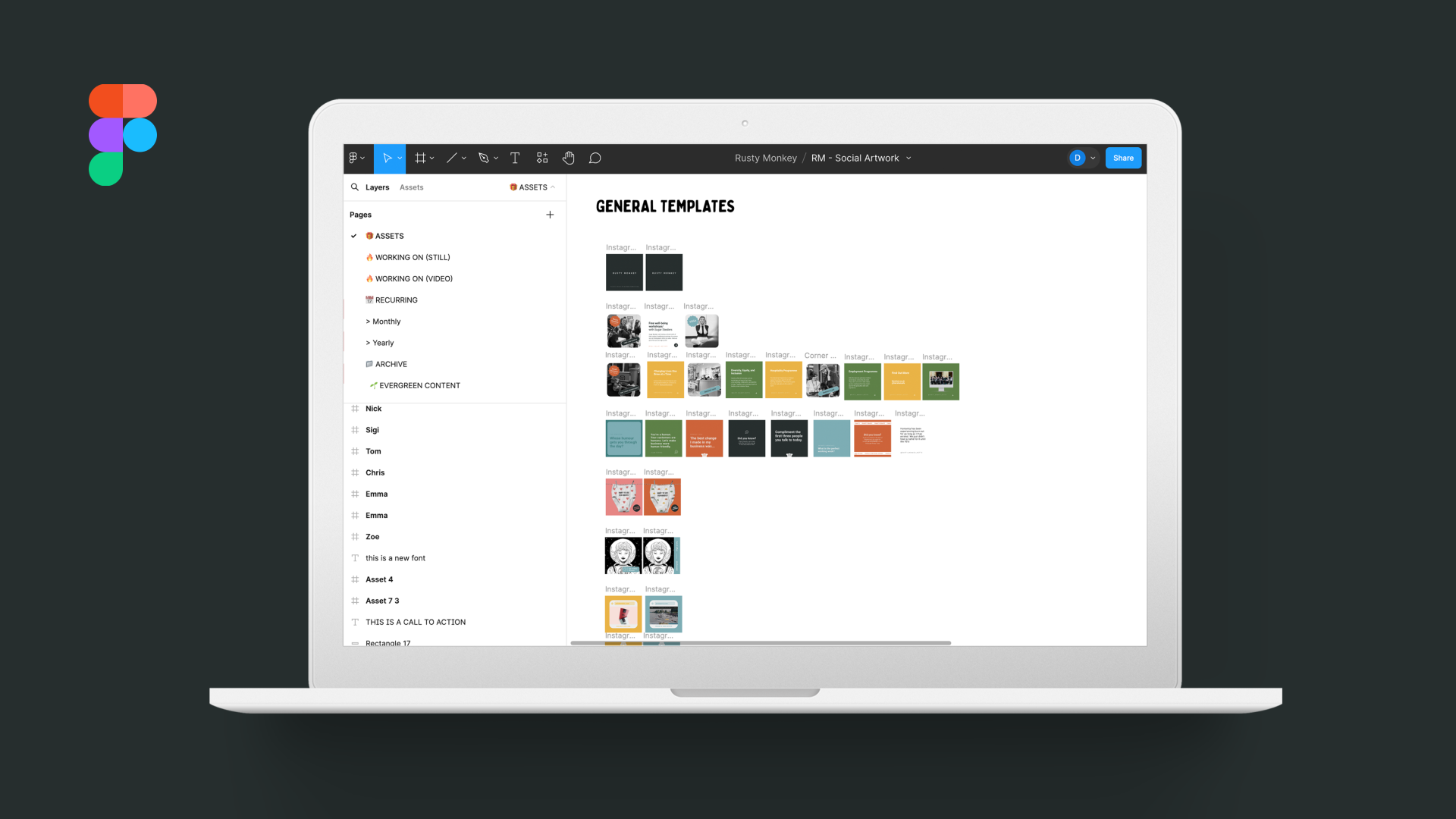
Software we recommend for your individual situations:
Is best if you are working with a design agency, or already have brand assets set up, and don’t want to pay a subscription fee. It’s great for working collaboratively and is free. However, it is not a complete design tool, so you won’t be able to make complex design assets like you can in Adobe.
Already paying for an Adobe subscription? Then this option is a no-brainer, as it will come at no extra cost, and is good for collaboration amongst your own team or with an external design agency. You can also schedule your content from here!
We wouldn't recommend the free version as it is too limiting for team and brand work.
If you have never used Adobe products before, or don’t have an existing subscription to Adobe software, then Canva Pro is the answer. This option is best if you want to work in-house, and have limited design knowledge (because this software is less scary to tackle with no prior experience). You can also schedule your content from here!
We wouldn't recommend the free version for teams as it is too limiting.
Are you working solo with no other team members? And have limited design experience, and budget? It might be worth using the free version of Canva for your social media planning. Just remember you will have to adapt your brand around the fonts and design assets that Canva has available.
 Get consistent with your brand guidelines
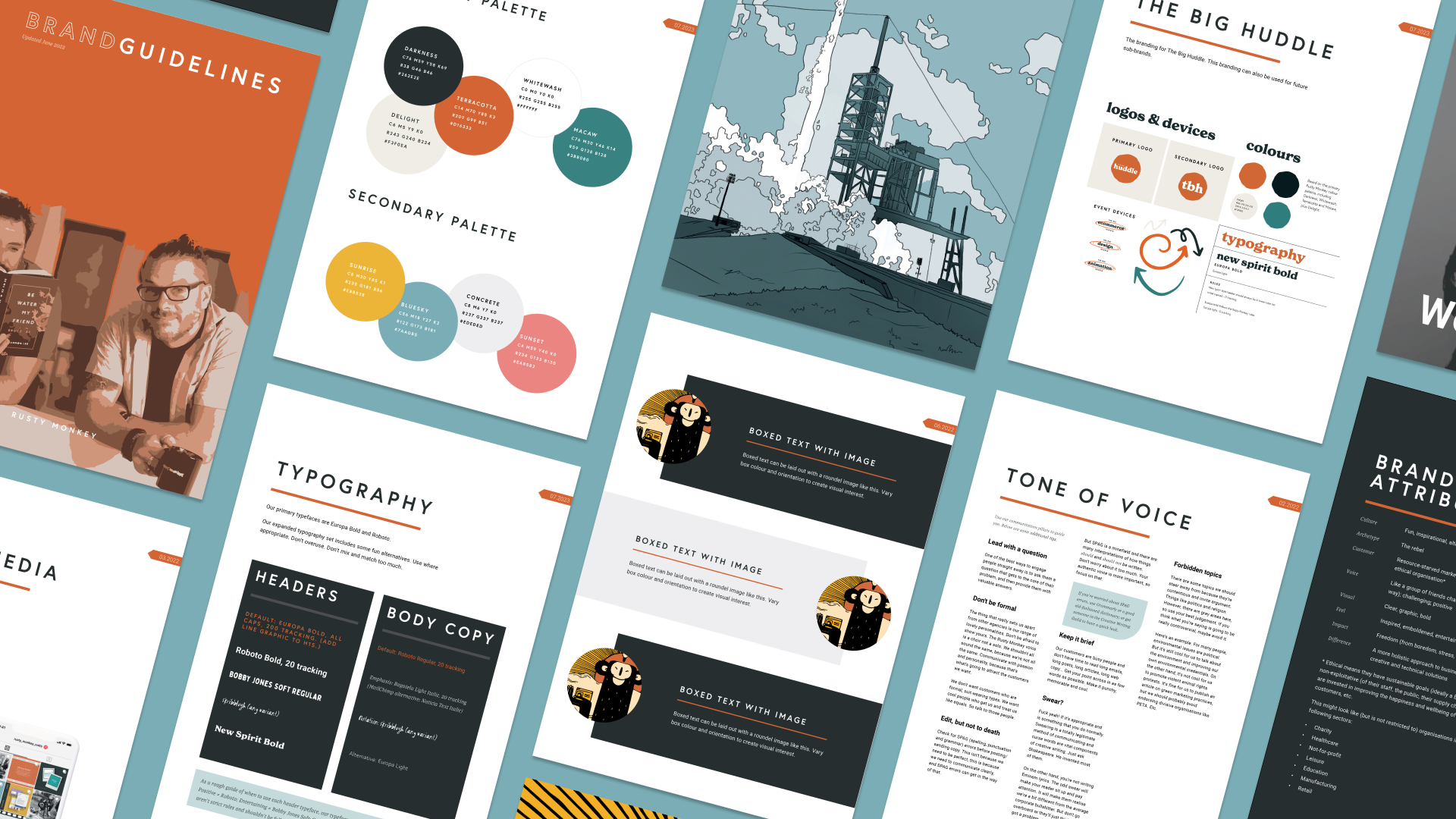
If you have brand guidelines, now is the time to apply them rigorously. Load your colours, fonts, and design elements into your chosen design software to make it easy for anyone to create on-brand content.
Don’t have brand guidelines (hello, we would love to help!)
 Create some design templates
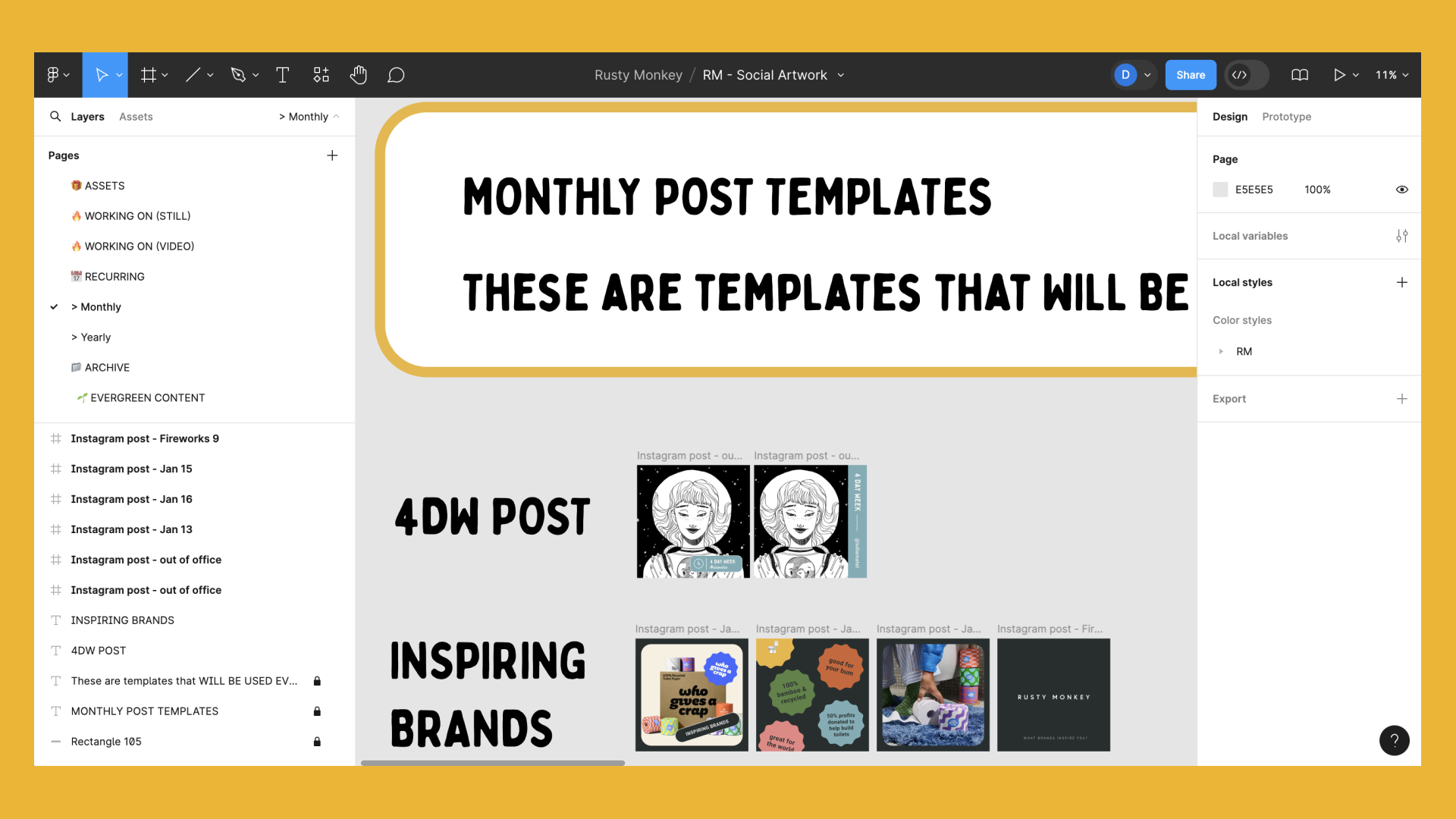
Design templates can streamline your content creation process. Start simple, and expand as needed. Templates help maintain consistency and save time, especially for recurring content.
Using your brand content pillars, think about the sort of content you will post, and create templates off these, once you’ve got a handful of templates you can start to have an idea of how your grid might look, and how you can play with brand colours on it.
 Pick your scheduler
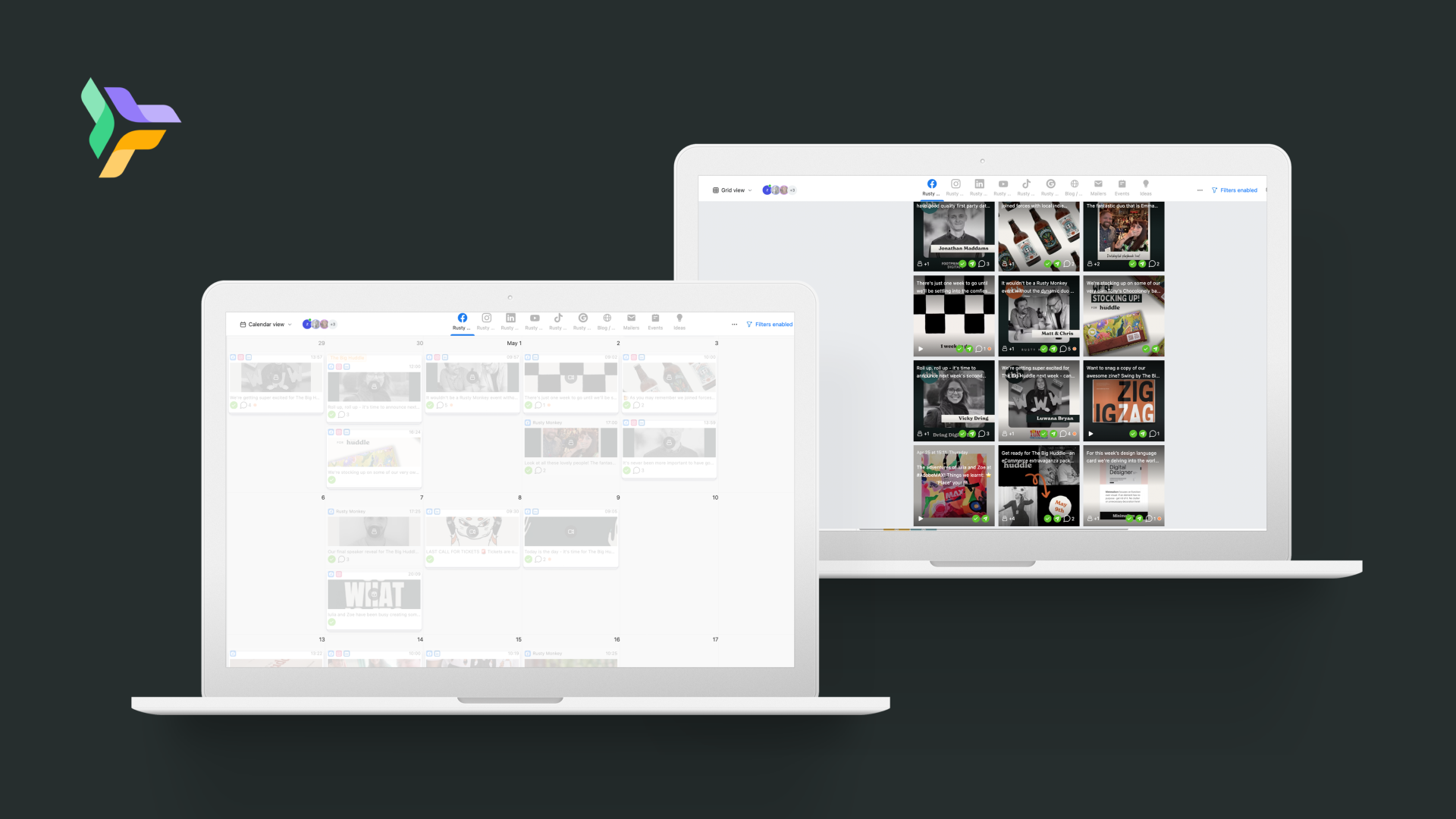
Depending on your team size and needs, we recommend choosing a scheduling tool to plan and organise your posts. This will give you some control over how your grid will look rather than posting randomly. Here are some options:
Scheduler | Great for | Pros | Cons |
Only facebook and instagram, people who don’t want to spend money on a scheduler | Integrated with Facebook and Instagram, free | Limited features | |
For a small business who doesn’t have a large budget but have social media accounts to manage outside of facebook and instagram | Comprehensive features, great for large teams | Can be pricey | |
For a medium to larger business that requires a lot more collaboration and has a budget to pay a monthly fee | Excellent for team collaboration | Can be pricey. Limited analytics | |
If you're already paying for an Adobe subscription, then use it also to schedule your content! | Keep your design work and scheduling tools in one place at no extra cost | Higher learning curve | |
If you already chose Canva Pro as your design software, then use it also to schedule your content! | Keep your design work and scheduling tools in one place at no extra cost |
 Conclusion
By following these steps, your Instagram grid will have a more organic and natural feel. Use a planner to curate your posts and ensure your grid remains visually appealing. (because if we’re honest, there is nothing as satisfying as a pretty grid) But remember, don’t just be a pretty grid, make sure your content has value, don’t post for the sake of posting.
PSST. Don’t forget your stories!
If you post stories make sure your thumbnails reflect your branding, use brand colours or pick on brand icons.
Who wrote this?

She / her; green / blue. Zoe is a designer, daydreamer and self-anointed snack queen. Once described as “so awkward she’s charming” by a friend, there isn’t a day that goes by without her accidentally slipping in an innuendo. In winter, she hibernates in a blanket of books and netflix, but by late spring emerges with her trusty birkenstocks, ready to go on photography adventures and socialise with the neighbourhood cats. If she were a pokemon she would without a doubt be Pikachu, but a buzzfeed quiz has determined her to be a Magikarp. She’s a firm believer that buzzfeed quizzes cannot be trusted, under any circumstances.
Need help with on-brand social media templates?